

Remote teaching didn’t disappear once kids went back to in-person school — it just stopped being the whole job and became one piece of it. Snow days still happen. Kids get sick and shouldn’t have to miss a whole unit over it. Some students are juggling stuff that makes a regular seat in a regular classroom hard, and full virtual programs never really went anywhere either. Point is, there’s still a real need for tools that work when teacher and student aren’t in the same room — and the good news is the free tiers on most of these have actually gotten better lately, even while a lot of edtech companies have been pushing everyone toward paid plans.
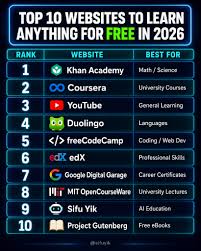
Here’s what’s actually worth using this year, grouped by the job each one does — video, engagement, assessment, collaboration, communication — with what’s free and what’s not.
Video calls: Zoom and Google Meet
For the “everyone’s here at the same time” part, it’s still Zoom or Google Meet. Zoom’s free plan caps group calls at 40 minutes, which sounds tight until you remember most class periods don’t even run that long — it only bites when a lesson goes over or you’re stacking back-to-back office hours. Breakout rooms, screen sharing, basic chat — all included, no charge.
Google Meet has one big edge: it lives inside Google Workspace for Education, which most districts already run. If your school’s on Google Classroom, Meet is usually one click away, no separate signup, and school accounts don’t get hit with that 40-minute cap the way personal Zoom accounts do. Neither one is doing anything flashy this year — they’re both just stable, mature tools at this point — but honestly, stable is exactly what you want for something as basic as “can everyone get into the call.”
The hub: Google Classroom
If you need one place to post assignments, collect work, and track what’s due, Google Classroom is still the default answer, and it’s free for any school on Google Workspace for Education — which is most schools. Nothing flashy here either. It just does the unglamorous job of being the one place everything lives, instead of assignments and due dates scattered across five different email threads.
Worth being upfront about the limitation: Classroom organizes and distributes what you’ve already made — it’s not going to make the lesson itself more interesting on its own. That’s where the next few come in.
Making review actually fun: Blooket, Wayground, and Gimkit
This is the part most teachers enjoy the most, because it’s the difference between “watch this and answer some questions” and a class actually competing to win something. Three names run this category, and all three are free to get started:
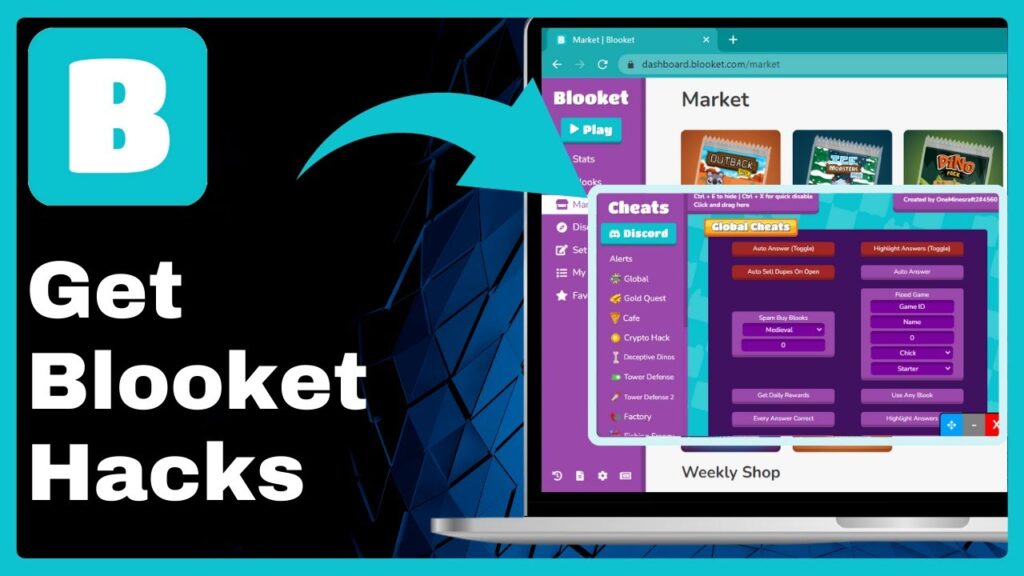
Blooket — build one set of questions, run it through any of a dozen-plus game modes (Tower Defense, Factory, Café, Gold Quest, and more), so the same content doesn’t feel stale by week three. Free tier covers up to 60 players and the core modes, which is plenty for a normal class. Homework Mode lets kids play assigned games from home — genuinely useful for remote setups specifically, since it’s built for exactly that situation.
Wayground — this used to be Quizizz before the 2025 rebrand. It leans further into full lesson delivery than pure games do. Free tier covers most quiz and poll formats, live play and asynchronous assignments both, and — worth flagging for remote classrooms — accommodations like translation and a dyslexia-friendly font show up automatically when a game starts, no extra setup.
Gimkit — free Basic plan exists but it’s the tightest of the three: no assignment mode, fewer game modes unless you upgrade. What it’s got going for it is the in-game economy, which keeps kids actually strategizing instead of just clicking the fastest answer — that tends to hold attention longer than a flat leaderboard, which matters more in remote settings where it’s easier for a kid to just quietly check out.
Realistically, Blooket’s Homework Mode plus Wayground’s asynchronous tools cover the two biggest remote-learning needs — review that doesn’t feel like homework, and structured work kids can do on their own schedule — without spending a dollar.
Collaboration and whiteboarding: Padlet and FigJam
If you’ve been out of this space for a few years, you might still think of Google Jamboard for this. Worth knowing: Jamboard got fully shut down by Google at the end of 2024. If you see it recommended anywhere now, that list hasn’t been updated in a while.
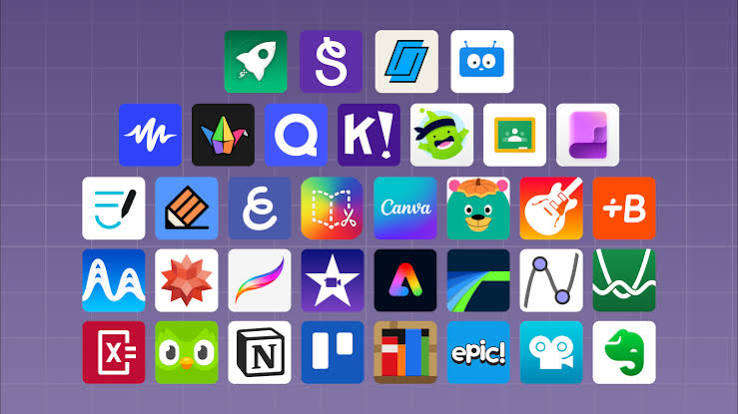
Padlet’s picked up a lot of that slack. It’s basically a shared digital corkboard — students post text, images, links, or video in response to a prompt, all showing up in real time. Free plan caps you at three boards running at once, which is a real limit if you’ve got a lot of activities going, but it’s enough to keep a discussion board or exit-ticket wall running without paying anything.
FigJam, from Figma, is the pick if you want something closer to an actual shared canvas — sticky notes, freehand drawing, diagrams, voting — and the free tier is generous enough for a normal class size. It takes a bit more setup than Padlet for something as simple as “post your answer here,” but it’s the stronger option if students are actually supposed to build something together in real time, like a group mind map during a live session.
Video lessons kids can’t fake-watch: Edpuzzle
For asynchronous work specifically — the kind where a kid’s working through material on their own time instead of live with the class — Edpuzzle lets you take any video, your own recording or something off YouTube, and drop questions right into it. Students physically can’t skip past a question without answering it, which solves the age-old “did they actually watch this” problem that plain video assignments never solve. Free tier covers a reasonable number of assigned videos a month — enough for most classrooms, though if you’re assigning video constantly, you’ll eventually bump into the limit and need to look at a paid plan.
Keeping families in the loop: Remind
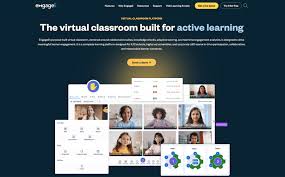
Remote and hybrid families have their own version of this problem, and Remind exists specifically to fix it — teachers, students, and parents can message each other without anyone handing out a personal phone number. Core messaging is free. For remote learning specifically, it solves a real gap: a kid misses a live session, has no idea something got posted to Classroom, and now they’re behind through no fault of their own except not checking an app they didn’t think to check. A quick Remind message closes that gap better than just hoping everyone logs in on their own.
Putting it all together
No single tool here replaces a full remote classroom by itself, but a mostly-free stack covers nearly everything you actually need:
- Google Meet or Zoom for live sessions
- Google Classroom to keep everything organized in one place
- Blooket and Wayground for review, engagement, and asynchronous practice
- Padlet or FigJam for real-time collaboration
- Edpuzzle for video work kids do on their own
- Remind so nobody falls through the cracks
That whole combination costs nothing to start with, and for most classrooms — fully remote, hybrid, or just covering a sick day without losing a week of momentum — it handles the actual day-to-day work without anyone needing to pull out a credit card.
Pricing and feature details reflect publicly available information for Blooket as of September 2026 and can change. Check each platform’s official site for current free-tier limits before you build a lesson around one.

disclaimer
Pricing, features, and free-tier limits for the tools mentioned in this post are current as of September 2026 and based on publicly available information.

Pingback: blooket.blog 7 Classroom Tools That Pair Perfectly with Blooket