My cousin dreaded Fridays. Quiz day meant a countdown clock on the projector, and he was usually still working on question three when it hit zero. He read slowly, that’s all. But after a whole year of it, he told people he was “just bad at tests.” Nobody ever said, “Hey, you can ask for more time.” It didn’t occur to anyone that he had a right to.
I keep coming back to him whenever the word “fairness” comes up in a staff room or a parent meeting. The kids usually aren’t the problem. The teachers usually aren’t either. What’s missing is a plain conversation about what students can ask for, and what schools are supposed to provide.
So let’s have that conversation.
Fair doesn’t mean the same
Here’s the mistake I see most. People assume that treating everyone equally means handing everyone the identical thing. Same worksheet, same timer, same seat. It’s tidy, and it’s easy to manage, but it quietly leaves some kids behind.
Think about a video with no captions. Everyone in the room watches it, so it looks equal. But the student with hearing loss gets maybe half of it. The same goes for a reading test with a strict clock, or a group task that depends on a loud, crowded room.
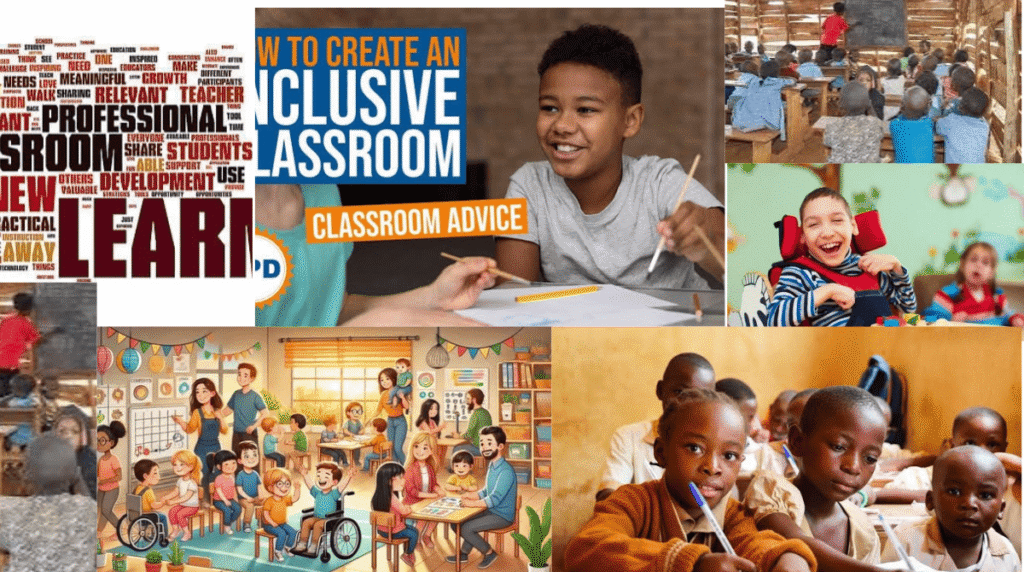
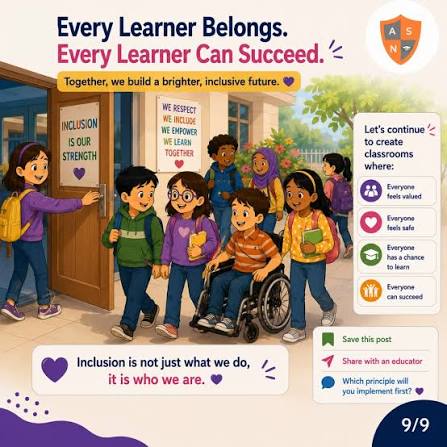
A fair classroom makes sure every student has a real chance to learn and a real chance to show what they’ve learned. Often that means one standard for all. Sometimes it means something different for one or two students. That isn’t special treatment. In many countries it’s the law.
Rights every student should know about
Laws change from place to place, so treat this as a starting point and look up the rules where you live. These are the ones that come up again and again.
Support for disabilities. In the US, three laws do most of the work: the Individuals with Disabilities Education Act, Section 504, and the Americans with Disabilities Act. Together they require schools to make reasonable adjustments. That might be extra time, a quiet space for exams, text-to-speech, a note-taker, or class materials in a different format. Many other countries have their own versions, and the message is the same everywhere. “We don’t do that here” isn’t an acceptable answer.
Protection from discrimination. Students shouldn’t be treated worse because of their race, sex, religion, national origin, or disability. People usually think of grades and discipline, and those matter. But it also shows up in smaller ways. Who gets called on? Who is trusted with the good jobs? Who gets corrected softly, and who gets corrected in front of the whole room?
Language support. A student who is still learning the language of instruction needs real access to the lesson. Giving them the regular textbook and wishing them luck doesn’t count. Picture glossaries, translated handouts, a bit more time, and a seat near a classmate who can help.
Privacy. Plenty of places protect student records and personal data. In the US, FERPA covers school records, and COPPA covers online services directed at children under 13. In general, families can ask what is collected, why, and who can see it.
The right to speak up. Students can question rules that affect them and raise concerns without being punished. Asking “why do we need this app?” is a normal, respectful question.

Where technology helps and where it hurts
A right on paper only counts if the classroom can actually deliver it. Tools can make that easier. They can also make it harder.
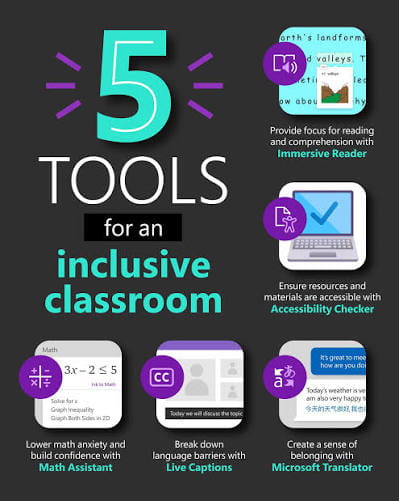
At their best, tools take a barrier away. Text-to-speech lets a student with dyslexia listen while reading along. Captions help students who are deaf, and also anyone sitting next to a rattling radiator. A flexible timer gives a slow reader room to think. Translation features give a new arrival a way into the lesson. And notes that can be enlarged, recolored, or read aloud help more people than most of us expect.
At their worst, tools put up new walls. A game that rewards pure speed punishes anyone who thinks a little differently. A platform that requires a personal account shuts out the family that said no. An app that runs well only on a new phone leaves out whoever doesn’t own one.
None of this is a reason to avoid technology. It’s a reason to change the question. Instead of asking whether a tool is fun, ask who might not be able to use it, and what you’ll do about that.
A quick check before you use a new tool
You don’t need to be technical. Give any new tool ten minutes and ask a few plain questions.
Can I change the pace? Look for timer controls, an untimed option, or self-paced play. If everything is a race, somebody will always finish last.
Will it work with assistive technology? Screen readers, magnifiers, and keyboard navigation all matter. If you’re not sure, read the company’s accessibility page, then try it yourself with the sound off or the text enlarged.
What happens to the data? Find out what it collects, who sees it, and how long it’s kept. If the company can’t explain this clearly, that tells you something.
Does it put students on display? Public leaderboards and full names on a big screen can be painful for kids who already feel self-conscious. Nicknames and hidden rankings make a real difference.
What’s the plan B? If a student can’t or won’t use the tool, what do they do instead? A paper copy or a different activity works fine. Having no plan is the only wrong answer.
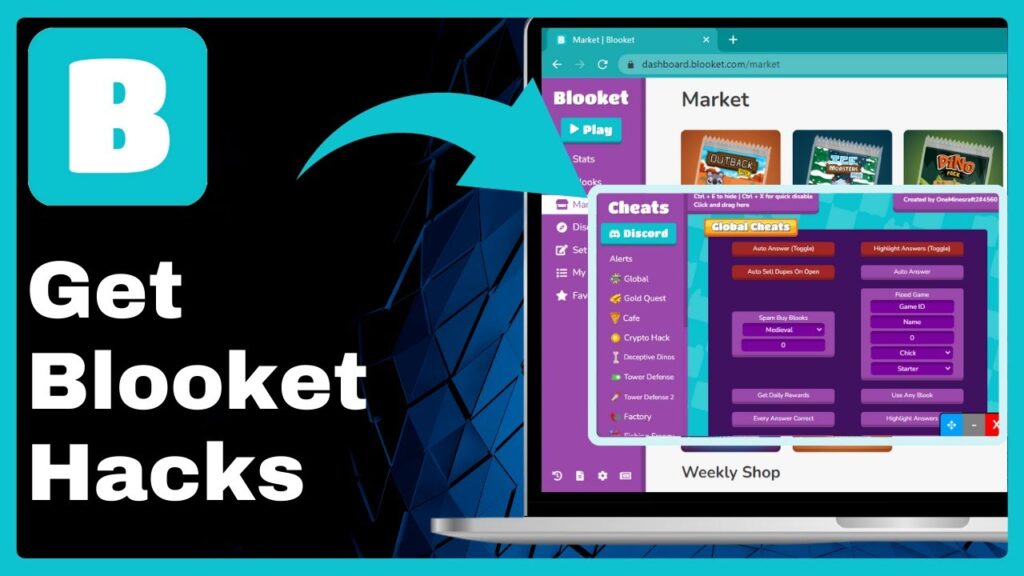
Game platforms like Blooket are a good test case. When a teacher sets them up thoughtfully, they bring energy to review days and give quiet students a gentle way to join in. When they’re set up in a rush, with a loud scoreboard and a tight timer, the same game can leave some kids feeling small. The platform didn’t change. The choices did.
What students can do
If you’re a student, you probably have more say than you realize.
Ask early, and ask privately. A quick word after class, something like “I need more time on timed work” or “this font is hard to read,” usually goes better than speaking up in front of everyone. Be specific, too. “I lose track of my thinking when there’s a countdown” gives a teacher something to act on. “I don’t like this” doesn’t.
If your family has concerns about an app or your data, put them in writing and keep a copy. That isn’t being difficult. A written note is simply clearer than a hallway chat that nobody remembers.
And if nothing changes after you’ve asked, take it one step higher. A counselor, a support coordinator, or the school office can often fix what a single teacher can’t. You don’t have to apologize for asking.
What teachers can do
Teachers already carry a lot, and this can sound like one more thing to add. A few habits actually make the job lighter.
Build flexibility in from the start. If your quiz has an untimed option on day one, you never have to single out the student who needs it. Everyone can use it, and nobody has to explain why.
Offer choices. Let students show what they know by writing, speaking, or drawing a quick diagram. You still get proof of learning, and more students get a fair shot at showing it.
Talk about your tools out loud. One minute at the start, covering what the app does and what it doesn’t, tells students you’ve thought about them. It also gives anyone with a concern an easy moment to raise it.
Ask your school for backup. If there’s no approved list of tools, or no training on accessibility, say so. Nobody should have to guess alone which apps are safe and inclusive.
Fairness is a habit
I don’t think fairness arrives because a school signs off on a policy. It happens in small moments. A teacher quietly moves a deadline. A student feels safe enough to say the screen is too bright. Someone checks the settings before the game starts and switches off the scoreboard.
My cousin did find out, eventually, that he could have asked for extra time. By then he was at a different school. He told me he wasn’t angry, which surprised him. What he felt was closer to disbelief at how simple the fix would have been.
That’s why knowing your rights matters. Most of the time you don’t need a fight to get what you need. You need someone to know it’s possible, and someone else willing to say yes.
Disclaimer:
This article is for general informational and educational purposes only and does not constitute legal advice. Laws and school policies on student rights, disability accommodations, and data privacy vary by country, state, and district. Please consult your school administration, a student support coordinator, or a qualified legal professional for guidance on your specific situation. Blooket.blog is not affiliated with any third-party platforms mentioned, and all product names belong to their respective owners.