
Here’s a scene that plays out in schools all the time. A teacher has a review game ready. She puts a web address on the board and asks everyone to sign up with a personal email. Twenty-eight students get to typing about Blooket. One girl near the back stops. She’d rather not give out her email, but she can’t tell whether saying so is allowed.
She doesn’t ask. She types the address and moves on, and nobody notices a thing. Still, that small hesitation is the reason I’m writing this. Classroom technology arrives quickly, while conversations about rights tend to turn up late, or never.
Rights and tools aren’t separate topics
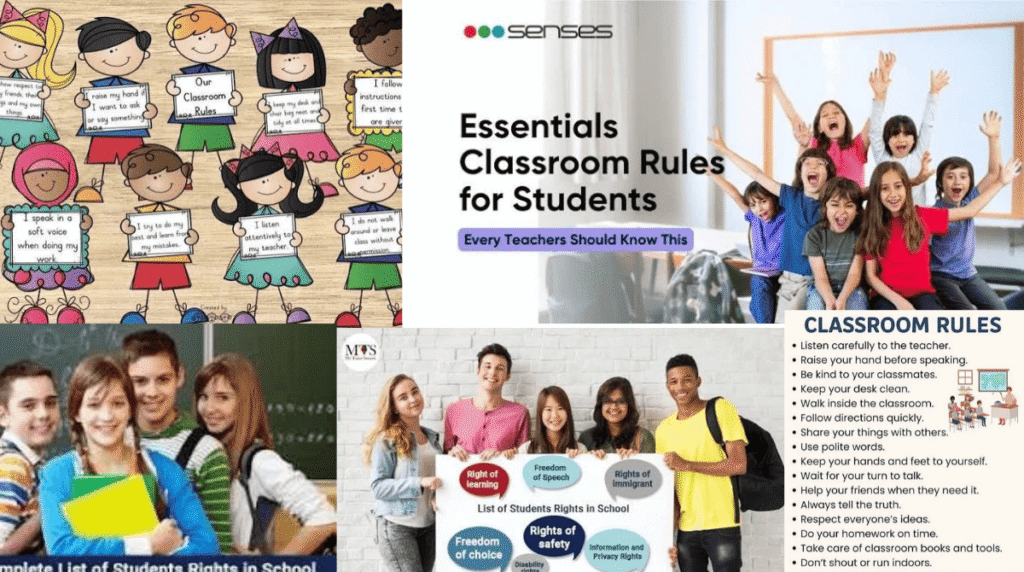
We usually sort these into two piles. Rights go in the “legal, dull, somebody else’s problem” pile, and tools go in the “practical, fun, my decision” pile. In an actual classroom, the piles spill into each other every day. Any app a teacher assigns gathers some information about students. Any rule about phones, screenshots, or group chats decides who can do what, and that is a question of rights, whether or not anyone uses the word.
When people know where the lines are, tools fade into the background. When they don’t, even a simple vocabulary game can end with an upset parent emailing the principal.
What students can reasonably expect
I’m not a lawyer, and the rules differ by country, state, and district, so read this as a general guide only. Even so, a few ideas hold nearly everywhere.
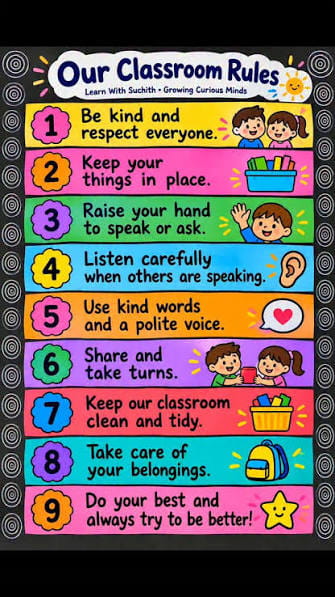
Safety. Students shouldn’t have to tolerate bullying or harassment, and the screen doesn’t change that. A cruel message in a class group chat still counts, and the school is expected to act on it.
Fair access. If an assignment needs a particular website, every student needs a workable way to reach it. Picture the kid whose home wifi drops every night, or the one who shares a single phone with two brothers. “Just finish it at home” isn’t an answer for them.
Privacy. In the US, FERPA protects student records and COPPA restricts what websites can collect from children under 13. Other countries have their own laws. The principle underneath is plain: being in a classroom doesn’t make your personal details available to anyone who wants them.
A voice. The 1969 Supreme Court case Tinker v. Des Moines held that students don’t give up their rights at the school gate. Schools can still set reasonable rules. But a student who politely asks why an app is required, or what it does with their information, isn’t making trouble. It’s a fair question, and a teacher who can answer it is better off than one who can’t.
What teachers can reasonably expect
People forget this half. Teachers have rights too, and a classroom that protects only one side tends to wobble.
Teachers should be able to do their jobs without harassment from students, parents, or administrators. That includes not being recorded and posted online without permission, which happens more often than schools like to admit.
They also need room to use their own judgment. When a platform clearly doesn’t fit a class, they should be able to say so and choose something else without being treated as difficult.
Support matters as well. Nobody reads the full terms of service for every app. If a tool mishandles student data and the school never checked it, pinning the blame on the teacher who used it isn’t fair. A short list of approved tools and one afternoon of training would prevent a lot of this.
And then there’s time. Technology was meant to give teachers hours back. What many got instead was another login, a dashboard they never open, and a steady stream of notifications. If a tool creates more work than it saves, it isn’t helping, however polished the sales pitch was.
Choosing a tool you won’t regret
Most of us pick tools by how they look. Is it fun? Will the kids like it? That’s reasonable, but a few more questions are worth five minutes of your time.
What does it collect? Look for names, emails, scores, and anything beyond that. If a quiz game works perfectly well with nicknames, it has no reason to ask for a full profile. Less data is better.
Who sees the results? A leaderboard is great when you’re near the top. If you always come last and your name sits at the bottom of a huge screen, it’s miserable. Good platforms let you hide rankings, so look for that setting before you launch anything.
Is there another route? Sometimes a family says no to an app. The student should still be able to complete the work some other way. If one app is the only way in, nobody is really choosing.
Can everyone use it? Check font size, timers, and screen reader support. A game that rewards only the fastest typists is measuring typing speed, not learning.
Is it meant for this age group? Many platforms set a minimum age. Ignoring it can leave the teacher exposed.
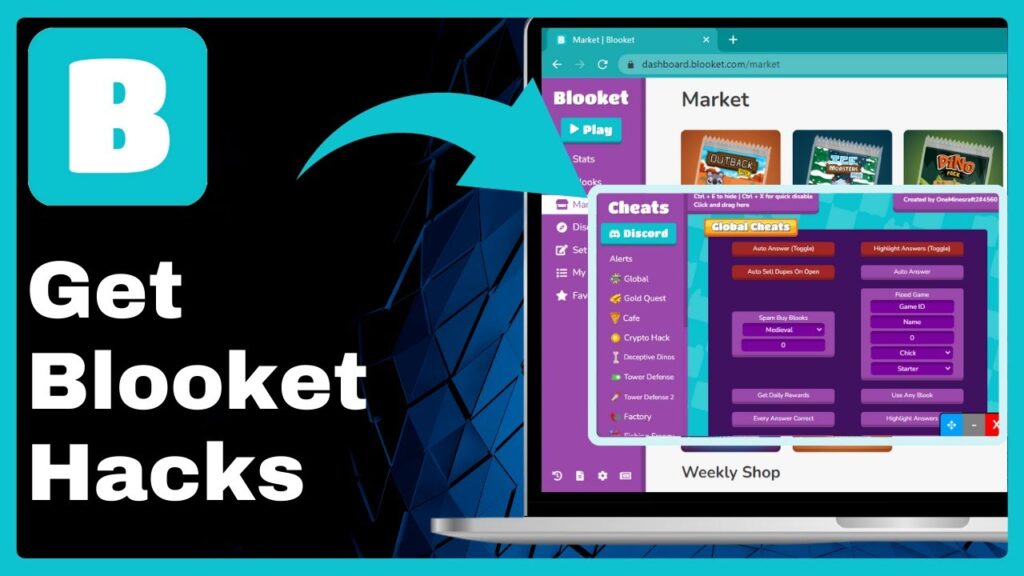
None of this is an argument against game-based platforms such as Blooket. They can liven up a sleepy Friday review and give quiet students a gentle way to take part. The idea is simply to use them deliberately, with the protective settings turned on.

Habits that matter more than policy
A written policy is a good start, but what happens on an ordinary Wednesday counts for more.
Explain before you share the link. Two minutes on what the tool is, what information it uses, and what happens to that information afterward builds more trust than a pile of permission slips.
Ask for the least you can get away with. Class codes, nicknames, and school-issued accounts usually do the job. Personal emails almost never need to be involved.
Keep competition light. A little rivalry is healthy, but nobody should feel punished for being slow. Rotate teams, praise effort, and let a student skip the public scoreboard without making a fuss about it.
Say the recording rules out loud. Can students take screenshots? Can anyone film the lesson? Most of the trouble here comes from a rule nobody ever mentioned, not from bad intentions.
Leave a door open for concerns. It could be a quick word after class or an anonymous box on the desk. Whatever you choose, don’t roll your eyes at the first complaint, because nobody will bring you the second one.
Meeting in the middle
Most of these problems are small and slightly awkward. A student didn’t know she could ask. A teacher had no idea the app stored so much. A parent found out three weeks late. They’re communication failures, and communication can be fixed without passing a single new law.
Students can ask politely and then stick to what’s agreed. Teachers can be open about their choices and flexible when someone makes a fair point. Schools can write policies in plain language, approve tools before the term begins, and give staff real time to learn them.
When each group does a little, the tools stop causing friction and go back to what they were adopted for: making lessons more interesting and easier to join.
Before the next sign-up link
Rights and tools aren’t rivals. Protecting a student’s privacy doesn’t spoil a lesson, and a teacher running a quiz game isn’t cutting corners. Both come down to treating the people in the room as people.
So the next time a link goes up on the board, take a second. What is it for? What does it need from us? Who does it actually help? If the answers hold up, go ahead and enjoy it. If they don’t, there’s almost always a better option.

Disclaimer:
This article is for general informational and educational purposes only and does not constitute legal advice. Laws and school policies regarding student and teacher rights, data privacy, and classroom technology vary by country, state, and district. Please consult your school administration or a qualified legal professional for guidance on your specific situation. Blooket.blog is not affiliated with any third-party platforms mentioned, and all product names belong to their respective owners.

Pingback: blooket.blog Know Your Classroom Rights: Essential Tools for Fair and Inclusive Learning